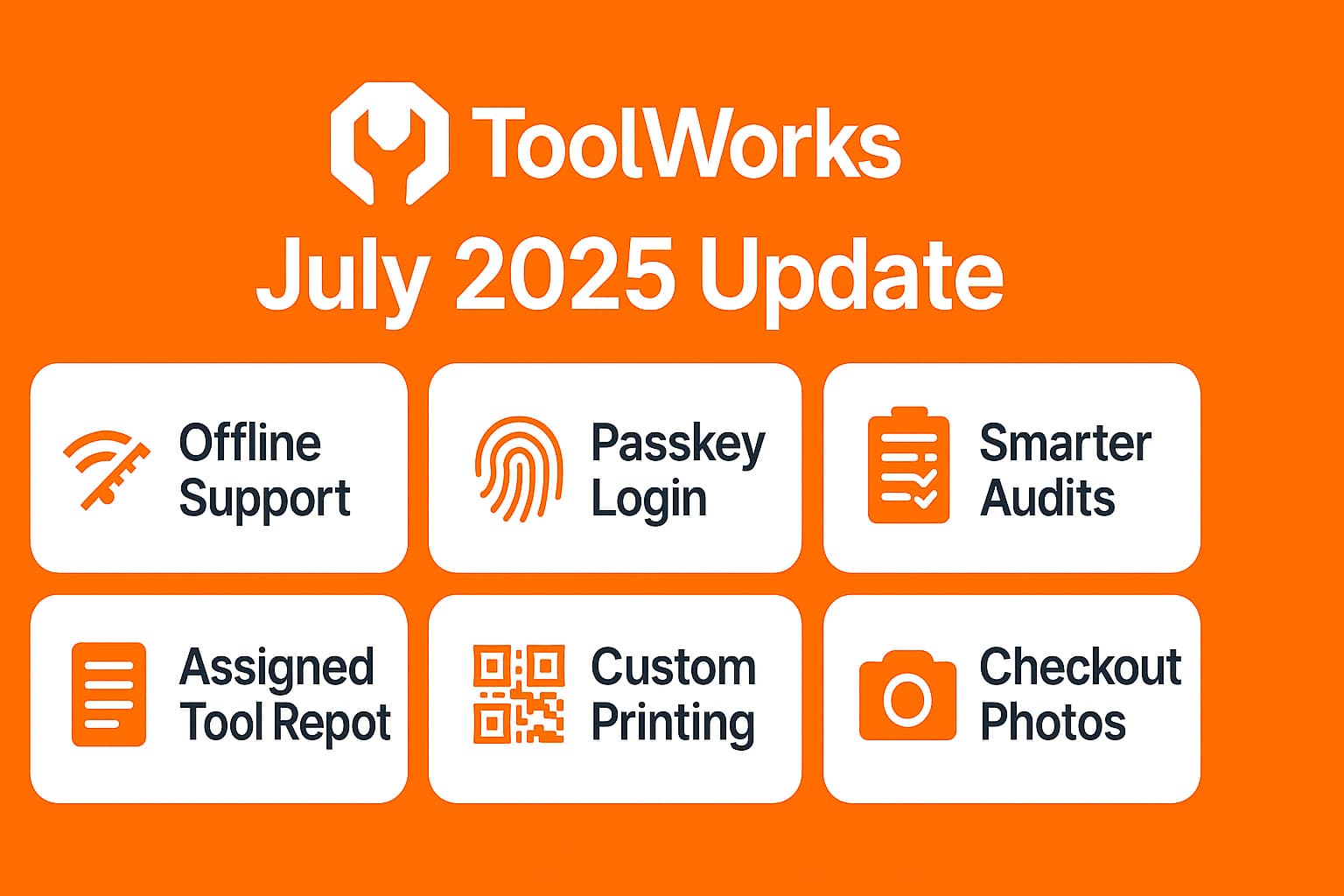
ToolWorks July 2025 Update
Offline Support, Password-Free Login, Smart Reporting, and More
Start Tracking NowAt ToolWorks, we’re committed to helping you manage your tools and inventory more efficiently—whether you’re on the job site, in the warehouse, or working remotely. Our July 2025 update brings several powerful new features and enhancements, all based on real feedback from our users.
From offline functionality to password-free login, smarter audits, and optimized tag printing, these updates are designed to save time, improve accountability, and give you more control over your tool tracking process.
1. Work from Anywhere with New Offline Support
Manage Tools Without Internet Access
Whether you're deep inside a building with no signal or on a remote site without connectivity, ToolWorks now has you covered. Our new Offline Support lets you continue to check in, check out, and manage tools even when you’re not connected to the internet.
Once your device reconnects, all offline changes are automatically synced—ensuring nothing is lost, and your inventory stays accurate.
🔗 Learn more about ToolWorks Offline
Benefits of Offline Support:
- No disruptions during poor connectivity
- Real-time productivity from anywhere
- Auto-sync ensures seamless updates
2. Password-Free Login Using Biometrics or Device PIN
Faster, Safer, Simpler Access with Passkeys
Logging into ToolWorks is now more secure and user-friendly than ever. With our new passkey login feature, users can authenticate using fingerprint, face scan, or device PIN—no more passwords to remember or reset.
This update enhances security while reducing login friction, especially for field teams using shared devices or mobile apps.
Key Advantages:
- Quicker access to the app
- Eliminates password fatigue
- Supports biometric authentication across devices
3. Smarter Audits with Enhanced Stock Audit Filters
Audit by Inventory Type and Category
Our Stock Audit feature just got more flexible. You can now filter your audits by Inventory Type and/or Category, helping you target the tools and equipment that matter most.
Whether you're auditing high-value items or specific categories like electrical tools, the new filters streamline the process and reduce unnecessary data noise.
Why This Matters:
- Simplifies partial or category-based audits
- Helps identify gaps faster
- Improves audit accuracy
4. New Assigned Tools Report
Track Who Has What—When, Where, and Why
Managing accountability just got easier. The new Assigned Tools Report lets you quickly generate a list of tools assigned to users over a selected date range, location, or tool type.
This is ideal for:
- End-of-project tool recovery
- Site-based tool distribution tracking
- User-level accountability and audit trails
Features:
- Date, location, and category filters
- Clear visibility into tool usage
- Supports export for reporting
5. Enhanced Tool Tags Printer for Existing Tools
Bulk Print QR or Barcodes with More Options
We’ve optimized the Tool Tags Printer for large-scale use. You can now print tags in bulk for your existing tools and choose to include just the tag or both the tool name and tag.
Use Cases:
- Prepping new warehouses or trailers
- Re-tagging worn or damaged labels
- Streamlining shelf/bin organization
Benefits:
- Improved label clarity
- Faster identification via QR/barcodes
- Saves time in high-volume tagging
6. New Option: Mandatory Photo on Checkout / Check-In
Add Visual Proof to Every Tool Movement
A highly requested feature, you can now require users to upload a photo during check-in or checkout. This is managed via a Configuration Option in your ToolWorks settings.
Whether it's for documenting tool condition or confirming handovers, this feature adds an extra layer of verification and reduces disputes.
Perfect For:
- High-value or sensitive tools
- Shared or rotating equipment
- Improving field accountability
7. All-New Custom Tags Printer for New Tools
Print Custom QR or Barcode Labels for Onboarding Tools
Our Custom Tags Printer lets you design and print custom QR or barcode labels for newly added tools. You can fine-tune your print settings and export the tag data as a CSV file—perfect for use with label printers in high-volume environments.
Customization Includes:
- Barcode/QR format selection
- Tool name and tag details
- Printable CSV export
This feature is ideal for bulk onboarding new inventory or managing tools not yet entered in the system.
Final Thoughts
July’s ToolWorks updates are all about making your tool management faster, more secure, and field-ready. With powerful new capabilities like offline support, biometric login, and custom tag printing, you’re better equipped than ever to stay organized and in control—no matter where you work.
We’ll continue improving ToolWorks based on your feedback. Have suggestions? We’d love to hear from you.
📬 Need Help? Reach out to our support team or explore the ToolWorks Help Center.
Want to try the new features? Log in now or open the ToolWorks mobile app.